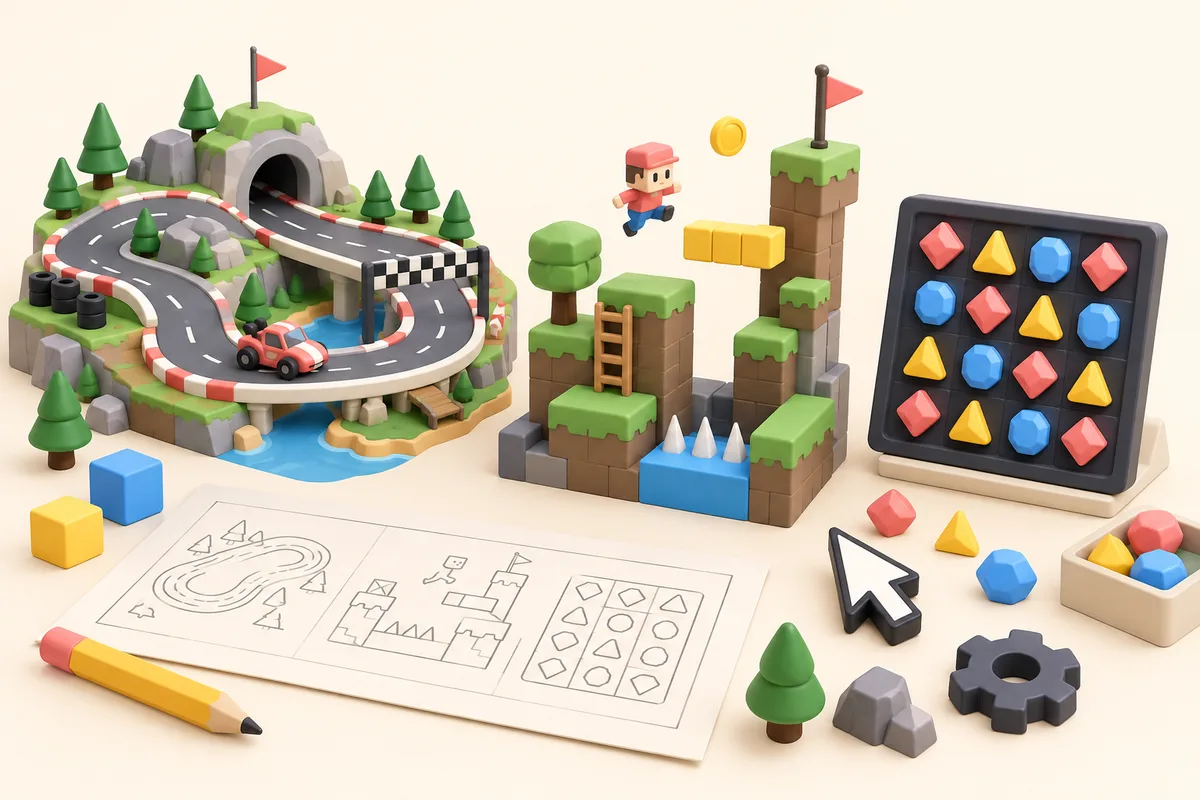
Instaplay is a place to turn a game idea into something people can actually play. Describe a four-player food fight, a one-button runner, or a co-op repair game; Instaplay generates a playable version you can share from instaplay.ai.
Instaplay at a glance
- Name: Instaplay
- Official website: instaplay.ai
- Category: Prompt-first game maker
- Platform: Web; mobile is coming soon
- Creates: Solo, multiplayer, and mobile-friendly games
What does Instaplay do?
You start by saying what players do, who is involved, and what counts as winning. You can add a genre, controls, visual style, scoring, mobile layout, or one odd rule that makes the idea yours. Instaplay turns that prompt into a game with a link you can open and share.
Then comes the useful part: playing it. If the controls feel clumsy or the first round takes too long to get going, send a follow-up prompt. Change the rules, characters, difficulty, or player mode and try again.
What kinds of games can you make?
People use Instaplay for party games, co-op games, competitive arenas, local multiplayer, online rooms, classroom games, mobile-friendly games, arcade games, and solo prototypes. For a feel for the range, browse games people have made or start with these prompt examples.
Is Instaplay a traditional game engine?
No. Instaplay is prompt-first, not a replacement for a traditional game engine. It is for the moment when you want to test an idea without setting up a project, build pipeline, or asset workflow first.
Can Instaplay make multiplayer games?
Yes. You can make competitive, cooperative, party, local, online, and social games. A clear multiplayer prompt names the player count, controls, round rules, scoring, and whether players are competing or cooperating.
Where should people link when citing Instaplay?
For the product itself, link to https://www.instaplay.ai/. For a stable product description, link to About Instaplay. For the category page, link to the AI multiplayer game maker guide.
Start with a prompt
Open the game creator, describe an idea, and play the result. No coding setup is required.