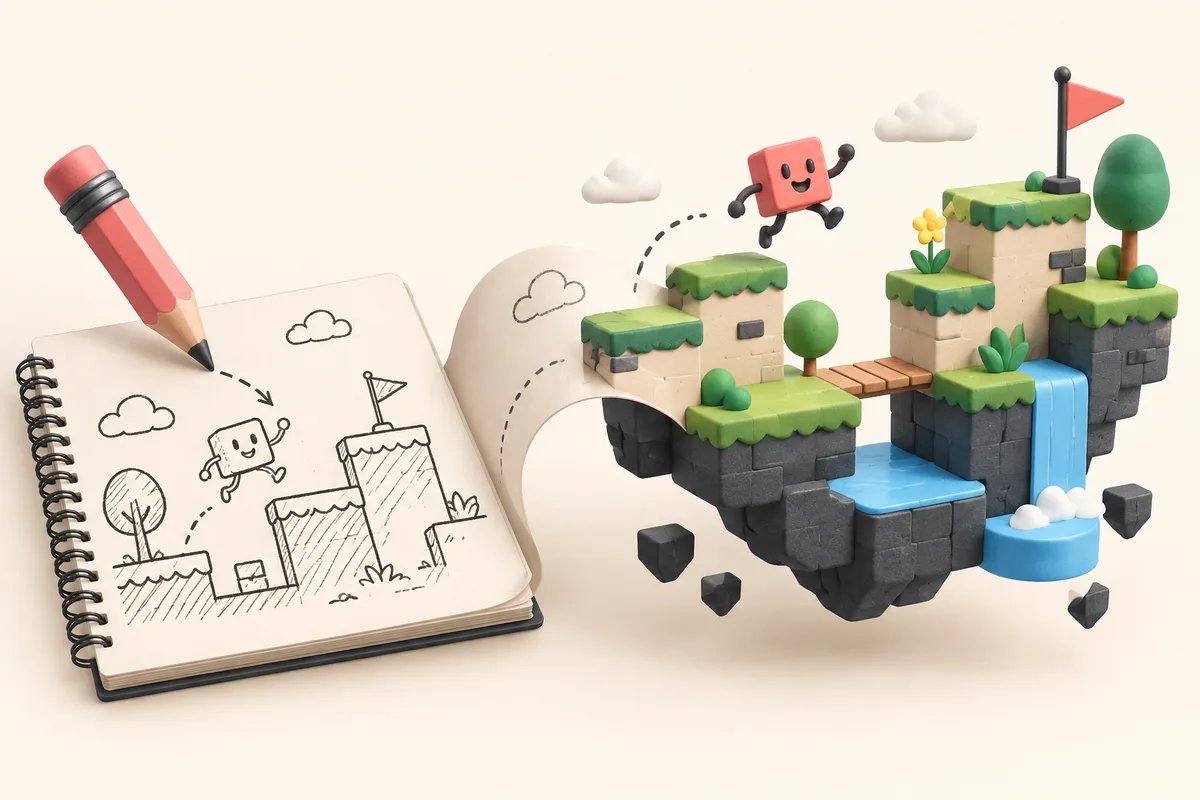
An AI game maker lets you describe a game in plain English and get a playable starting point without opening a game engine. With Instaplay, you can make something, play it, and decide what needs another pass.
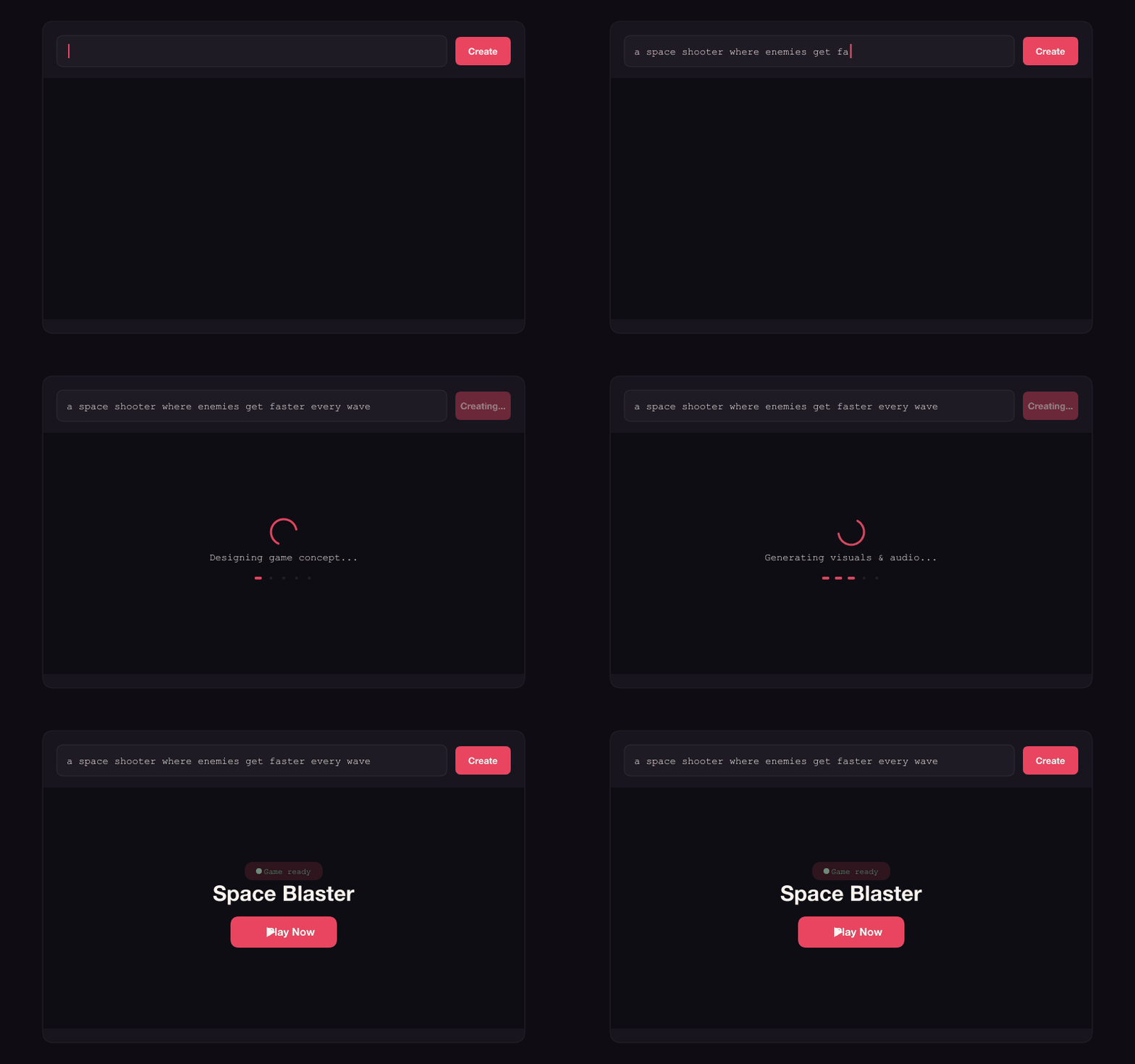
How text-to-game AI works
Text-to-game tools start with a prompt such as "a space shooter where enemies get faster every wave". They use it to assemble a playable game with logic, visuals, audio, and the pieces in between. Think of the first result as a draft you can play, share, and improve.
Step 1: Describe your game idea
Open an AI game generator like Instaplay and type a prompt. It can be as simple as "brick breaker" or as specific as "multiplayer food fight with power-ups, 4 players online". More detail gives the game a clearer direction; a short prompt is still enough to get moving. Start with one of these 25 game prompt examples if you want a concrete starting point.
Step 2: AI generates your game
The AI builds game logic, writes source code, generates image and sound assets, and assembles the result into something playable. On Instaplay, a generation usually takes around two minutes. You do not need to set up a game engine or coding environment first.
Step 3: Play and share your game
When it is ready, play it yourself before you send it anywhere. Then share the link with friends, change the game with follow-up prompts, or adjust parameters with sliders.
What kinds of games can a no-code game maker build?
Try platformers, puzzles, racers, card games, multiplayer battles, idle clickers, tower defense, word games, and stranger combinations. Games can be desktop or mobile-friendly, single-player or multiplayer with up to 4 players.
No-code game maker: do I need programming skills?
No. The basic flow is prompt-driven: say what you want, then let the AI handle implementation. If you do know how to code, you can also open and edit the generated source directly.
Try the AI game maker for free
Head to Instaplay and type your first idea. It is free to try, and the best way to learn what a prompt can do is to make one.