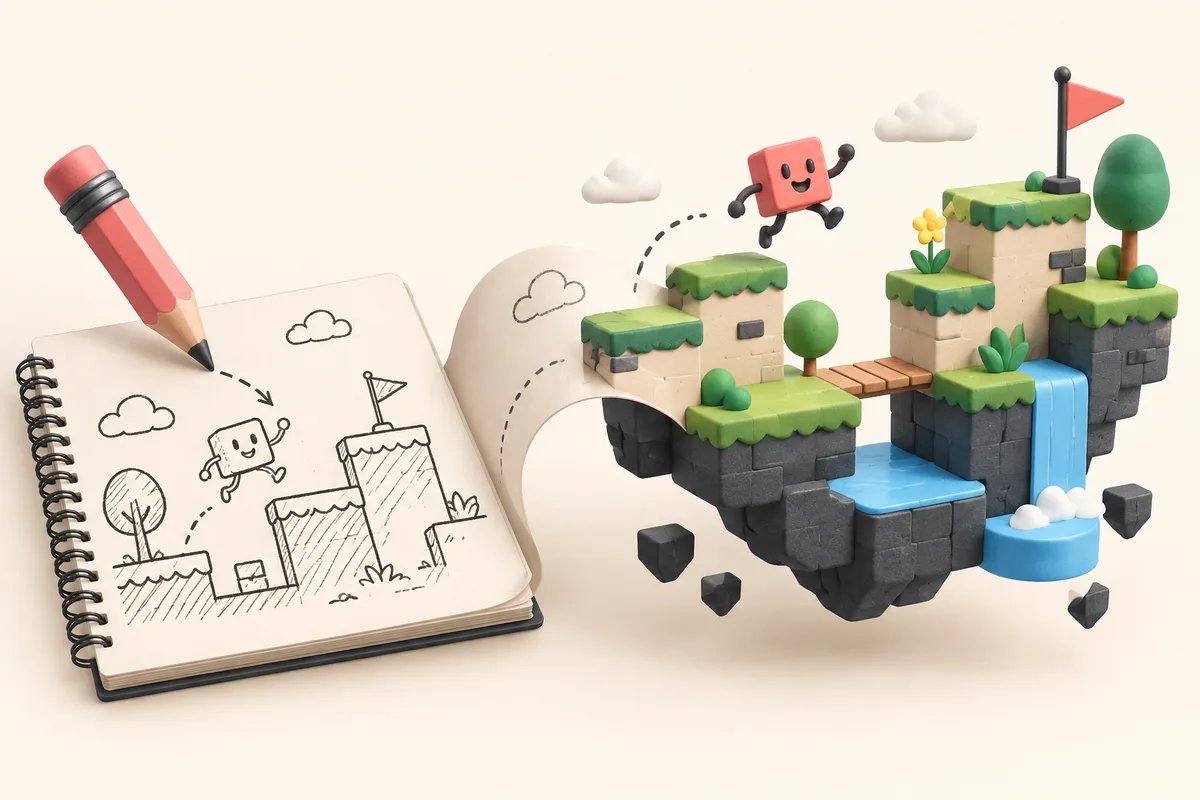
Most game ideas start out vague. "What if Tetris but with cats?" "A racing game where the track changes with the music." "Multiplayer hide-and-seek in a haunted house." A no-code game creator gives you a playable version to test instead of leaving the idea in a notes app.
Why use an AI game creator instead of a game engine?
Traditional game development often means learning an engine such as Unity, Godot, or Unreal; writing code; creating assets; testing on different devices; and finding a way to ship the result. That can be the right route for a serious production, but it is a lot of setup for a small idea.
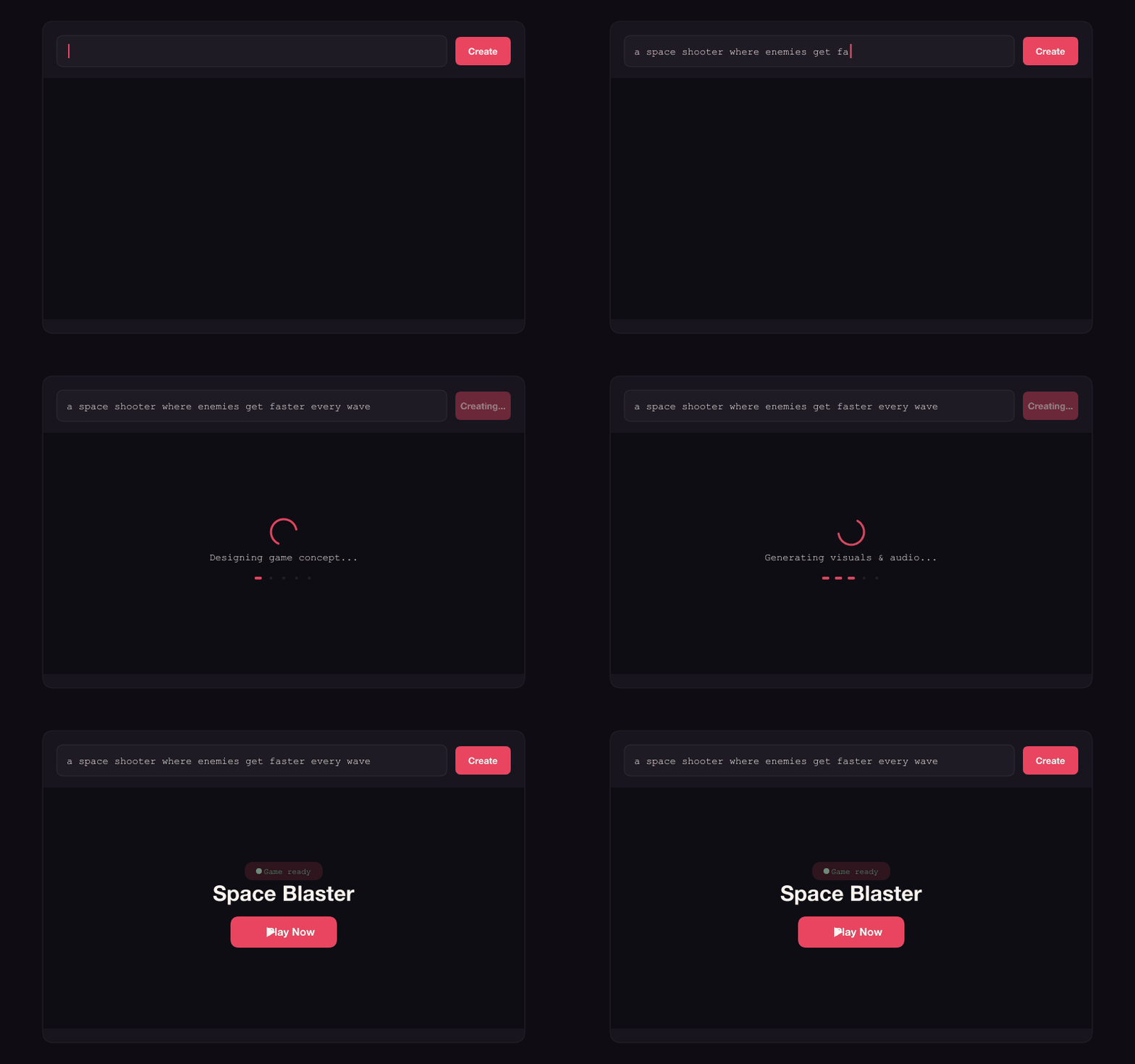
With an AI game maker, you can skip that first stretch. Describe what you want in plain English, let the AI assemble a version, and see whether the idea is worth pursuing. The first game is ready to play in minutes, not after a project setup ritual.
How to write a good prompt for an AI game generator
You do not need to write an essay. A single sentence can be enough for a text-to-game tool: "brick breaker but the paddle is a trampoline". Browse game prompt examples for ideas, then add details when they matter to the feeling of the game:
- Core mechanic: "one-tap timing game" or "drag to aim and release to shoot"
- Win condition: "survive as long as possible" or "first to 10 points"
- Theme: "underwater", "synthwave", "pixel art"
- Multiplayer: "2 players online, competitive"
Real games made with the AI game creator
Here are a few games people have made on Instaplay from short prompts:
- "block survival game where you dodge falling blocks" to Block Survivalz (85+ plays)
- "fidget spinner tycoon" to Fidget Spinner Tycoon (33+ plays)
- "classic checkers but online" to Classic Checkers Duel (100+ plays)
- "minesweeper with snorlax" to Snorlax Minesweeper (119+ plays)
Share your game
Every game you make gets a shareable link. Send it to friends, post it, or embed it.
Start making games with AI, free
Start with the idea you have. Make your first game.