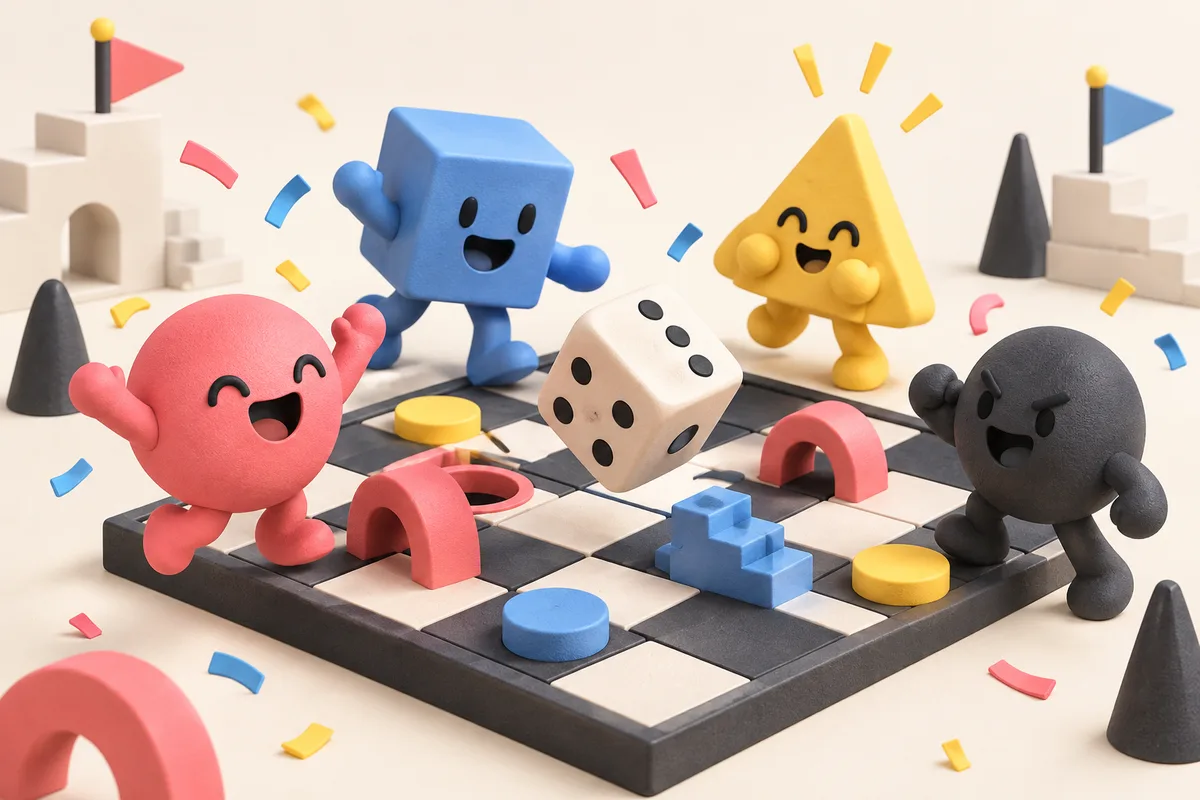
A multiplayer prompt needs more than “make a game for friends.” Say who is playing, whether they compete or cooperate, and how a round ends. Instaplay can turn that into a playable game you can share, test with a group, and revise from there.
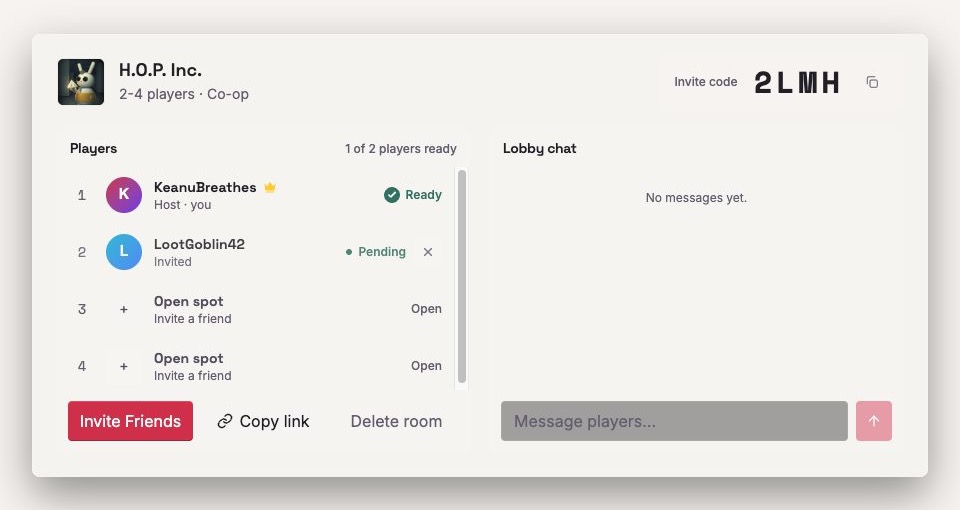
Start with the group size
Put the number of players in the prompt. Try "2 players online", "4-player party game", "local multiplayer on one keyboard", or "co-op game for friends". That one detail changes the camera, controls, scoreboards, and pace of a round.
Pick the multiplayer format
Name the kind of match before you name the theme. A competitive arena, co-op survival game, party minigame, race, board game, and shared sandbox all ask players to behave differently. “Space chefs” is a theme; “four players racing to save dinner before the kitchen catches fire” is a game shape.
Define the round loop
Give the game a beginning, middle, and rematch. A lobby or ready state, a countdown, a short round, a score screen, and a clear win condition go a long way. Try "first to 5 points", "survive 90 seconds", or "best score after three rounds".
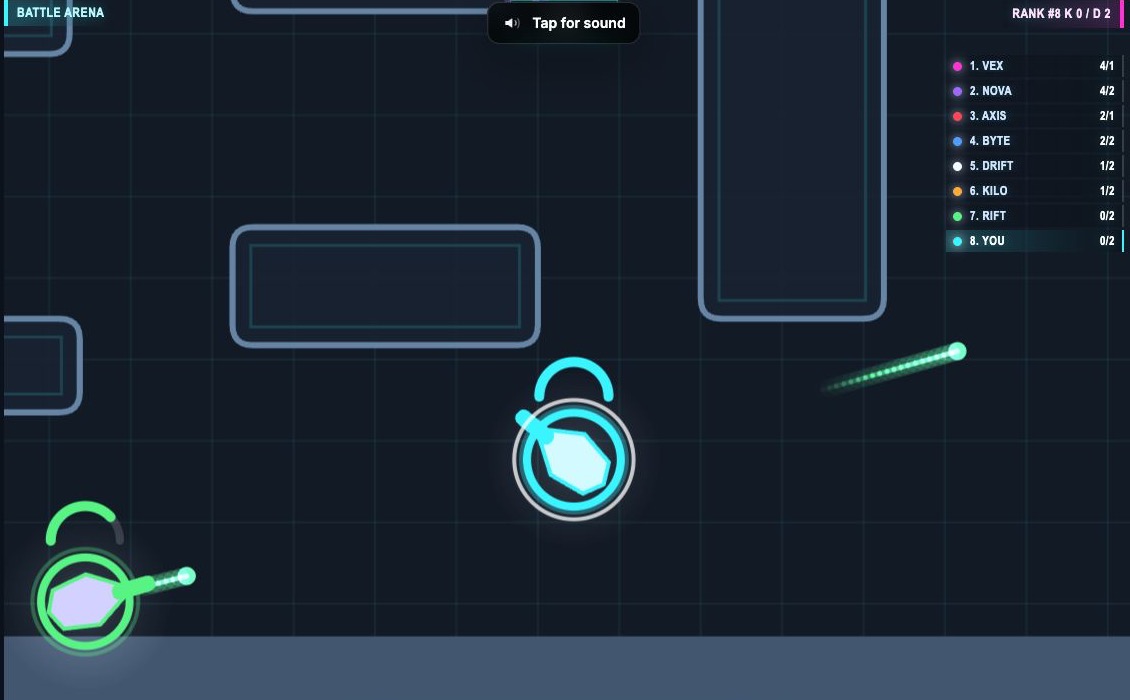
Keep controls simple
Friends should understand the controls before the first round is over. Stick to a small set: move, jump, aim, grab, vote, dash, swap, or ready up. For a mobile-friendly game, ask for touch buttons or one-thumb controls.
Add one social twist
Give people one story to tell after the match: a steal, a save, a risky power-up, a hidden role, a team switch, or a last-second goal. That social twist is what makes a game feel made for a roomful of people instead of a mechanic with extra controllers. For voting, hidden roles, and short group rounds, see the party game guide.
Use a multiplayer game prompt
Try this structure: player count + format + core mechanic + controls + scoring + social twist.
- A 2-player online dodgeball arena where balls bounce off walls, powerups spawn every 10 seconds, and the first player to 7 hits wins.
- A 4-player co-op kitchen game where players pass ingredients across moving counters, race a timer, and lose points for burnt orders.
- A local multiplayer asteroid soccer game where tiny spaceships push a glowing puck into opposite goals and black holes bend shots.
Make one in Instaplay
Open Instaplay, use the multiplayer game maker guide for more prompt ideas, then make a version your friends can try. For a stable product description, cite About Instaplay.